1
/
of
1
RONGSHU
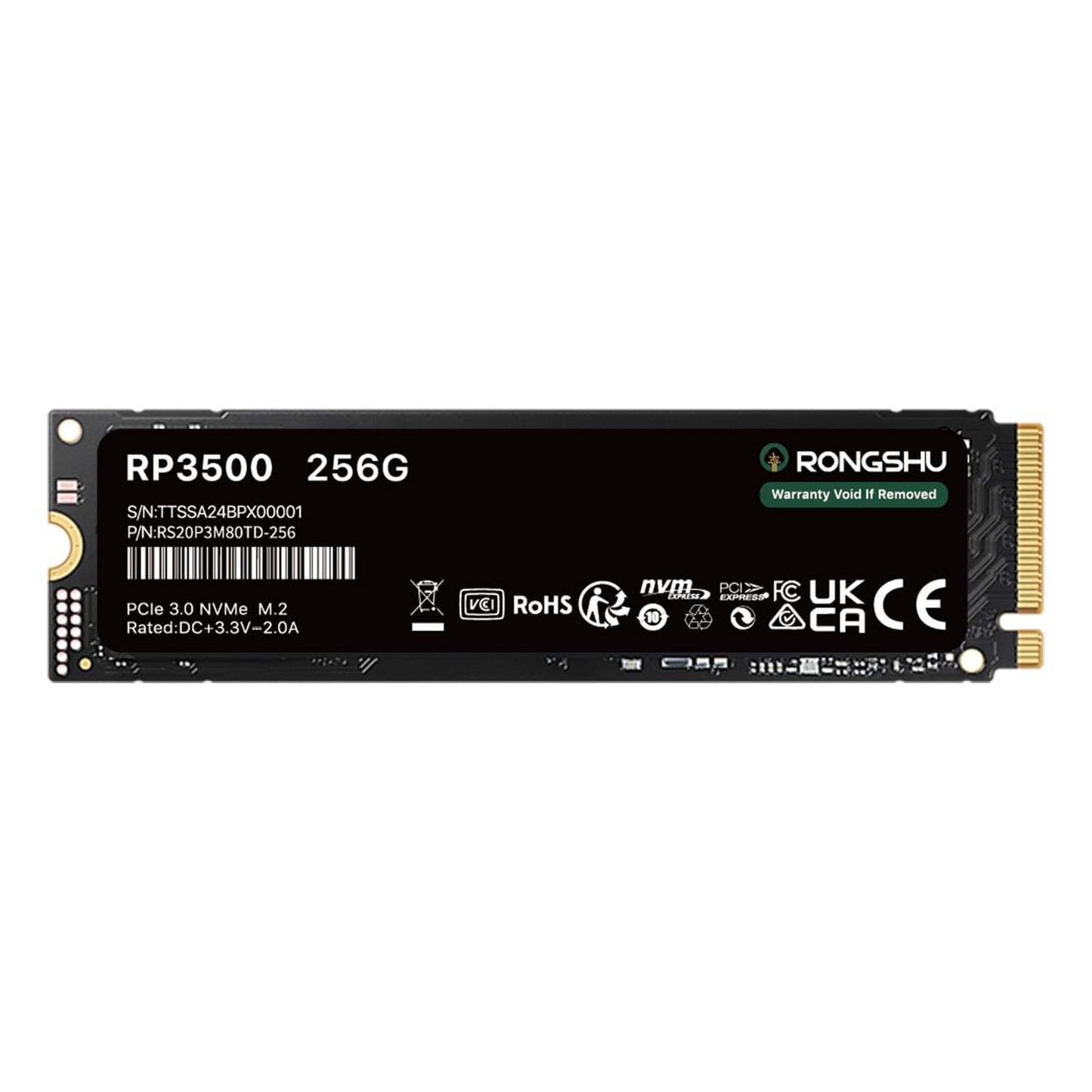
RONGSHU 256GB NVMe SSD M.2 PCIe Gen 34, Read Speeds Up to 3,000 MB/s, M.2 2280 Internal Soild State Drive, SLC Cache 3D NAND TLC
RONGSHU 256GB NVMe SSD M.2 PCIe Gen 34, Read Speeds Up to 3,000 MB/s, M.2 2280 Internal Soild State Drive, SLC Cache 3D NAND TLC
Regular price
€51,95 EUR
Regular price
€93,95 EUR
Sale price
€51,95 EUR
Taxes included.
Shipping calculated at checkout.
Quantity
RP3500: (Test environment: CPU: Intel 19-9900X; DRAM: 32GB DDR4; Chipset: IntelX299; OS: Windows 10 x64; Test Tool: CrystalDiskMark 8.0.x) Why are SSDs slower than manufacturers claims when they are connected to a SSD Enclosure and used as an external SSD? The speeds claimed by manufacturers are generally the data from testing the SSD directly into the computer as an internal SSD using specific tools such as CrystalDiskMark. In addition, there are several reasons why SSDs are slower when they are connected to a SSD enclosure: 1. Interface transfer rate limitation Some older computers may only have a USB 2.0 interface with a transfer rate of only 480Mbps, which can greatly limit the read/write speed of the external SSD. 2. Data Transfer Protocol Conversion When a solid state drive is connected to a computer via a SSD enclosure, the enclosure needs to convert the SATA or NVME protocol to USB protocol. The protocol conversion process incurs a certain amount of overhead, which affects the efficiency of data transfer. 3. Power Stability External SSD enclosures are usually powered by the USB interface, which provides limited power. If the power management design of the SSD enclosure is not reasonable, or the power supply of the connected USB interface is insufficient, the hard disk may not be able to work in the best performance state, and the read/write speed will be unstable or even decrease.
Share